 Meet the FsQC Flight Analyzer
Sharpen your flying skills with our flagship Flight Analyzer for MSFS, P3D, FSX and FS2004. Just like a real Flight Data Recorder (Black Box), it tracks every phase of your flight:
- taxiout
- takeoff
- climb
- cruise
- descent
- landing
- taxiin
Introduction Video
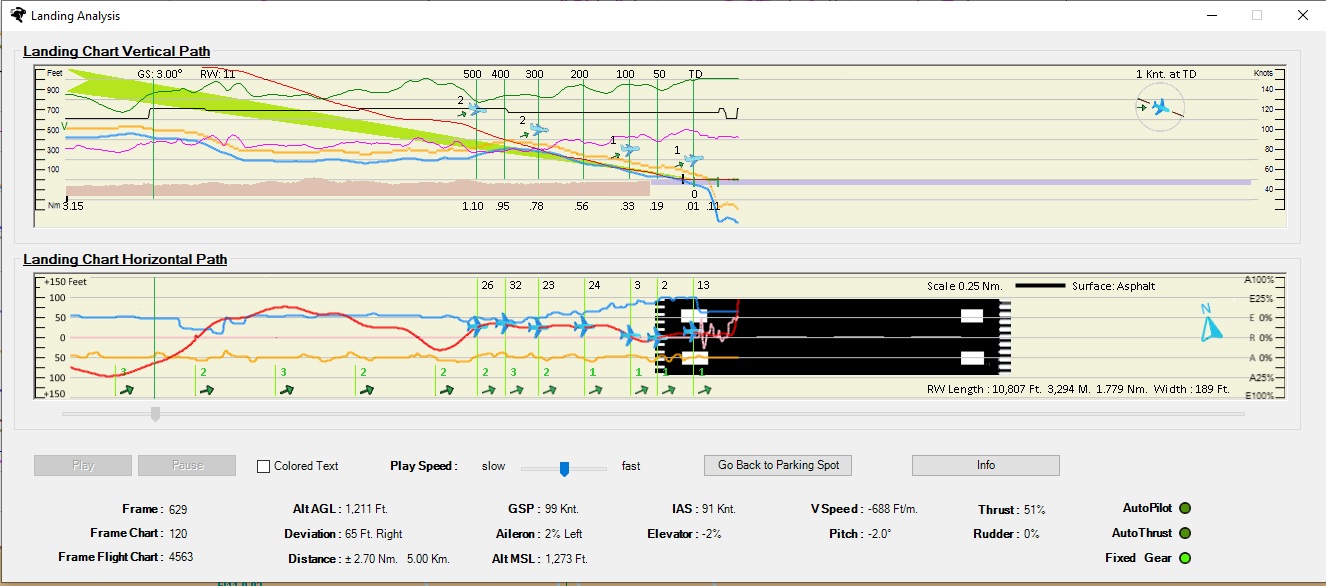
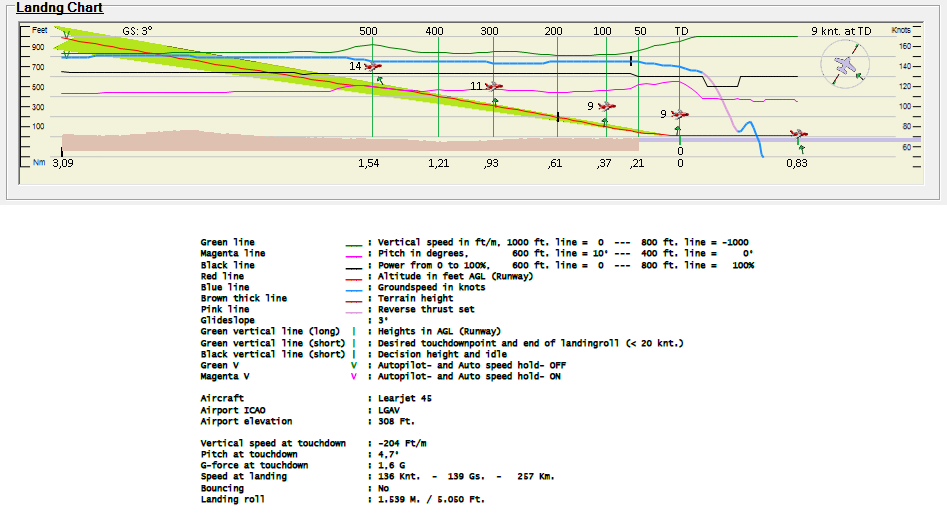
After you parked your aircraft at the gate a Flight Report with a detailed Landing Chart is generated in pdf format.
You can evaluate your flight and see which improvements you had made and which skills are to be improved.
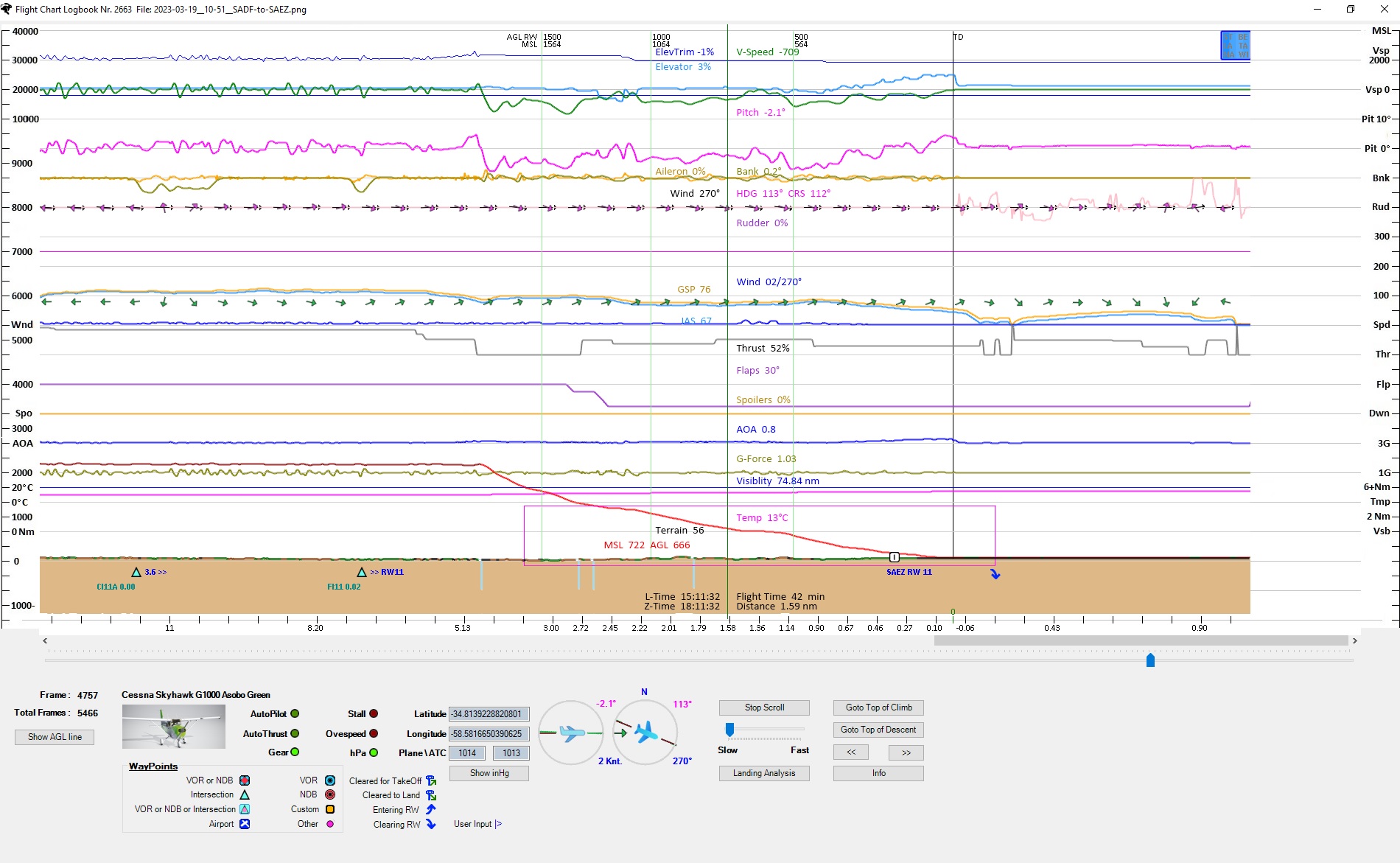
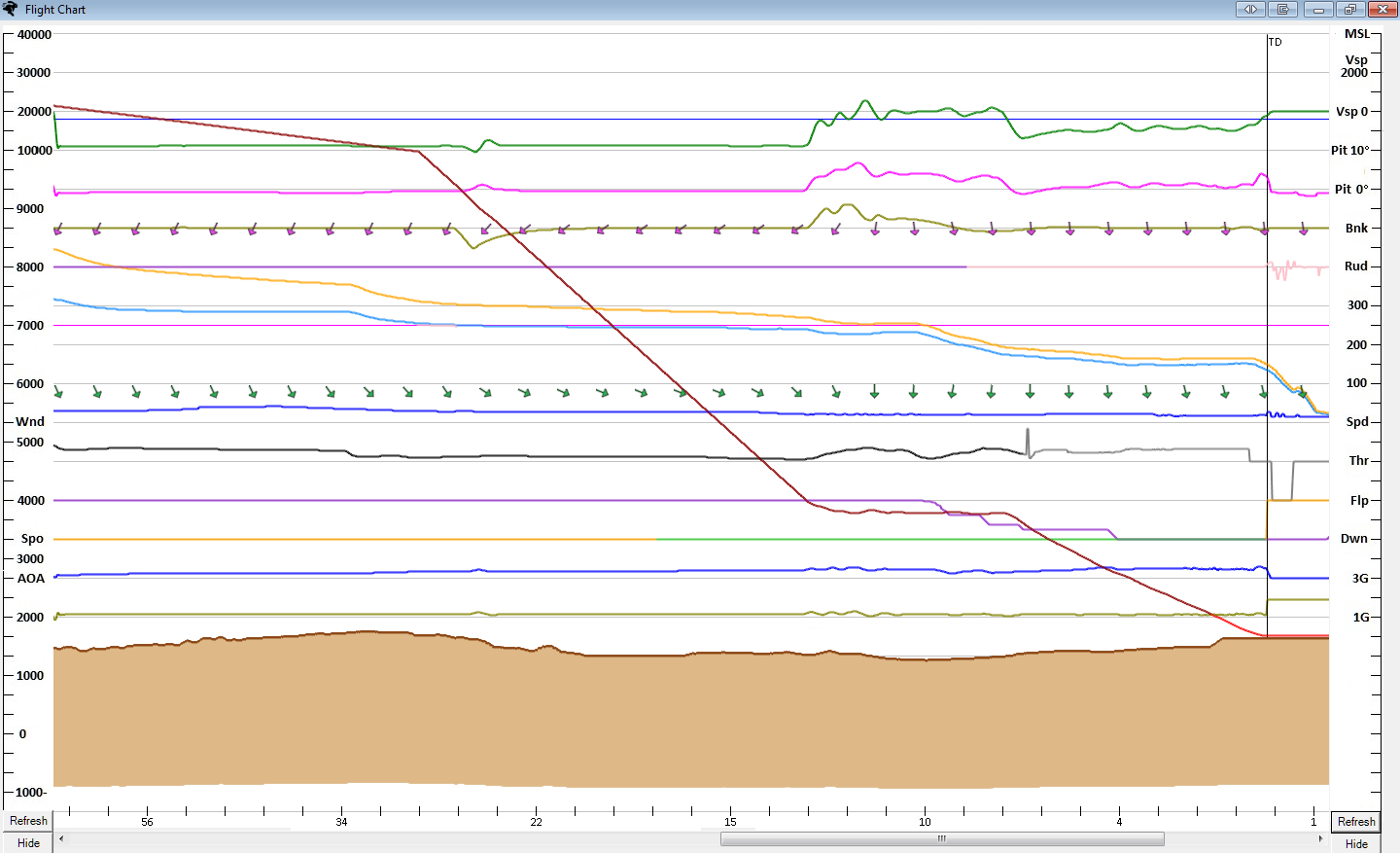
A detailed Flight Chart from the entire flight, it's a real Black Box with all parameters of the flight.
The Other Thing of FsQC
The main window is fully operational without activation, the following things work:
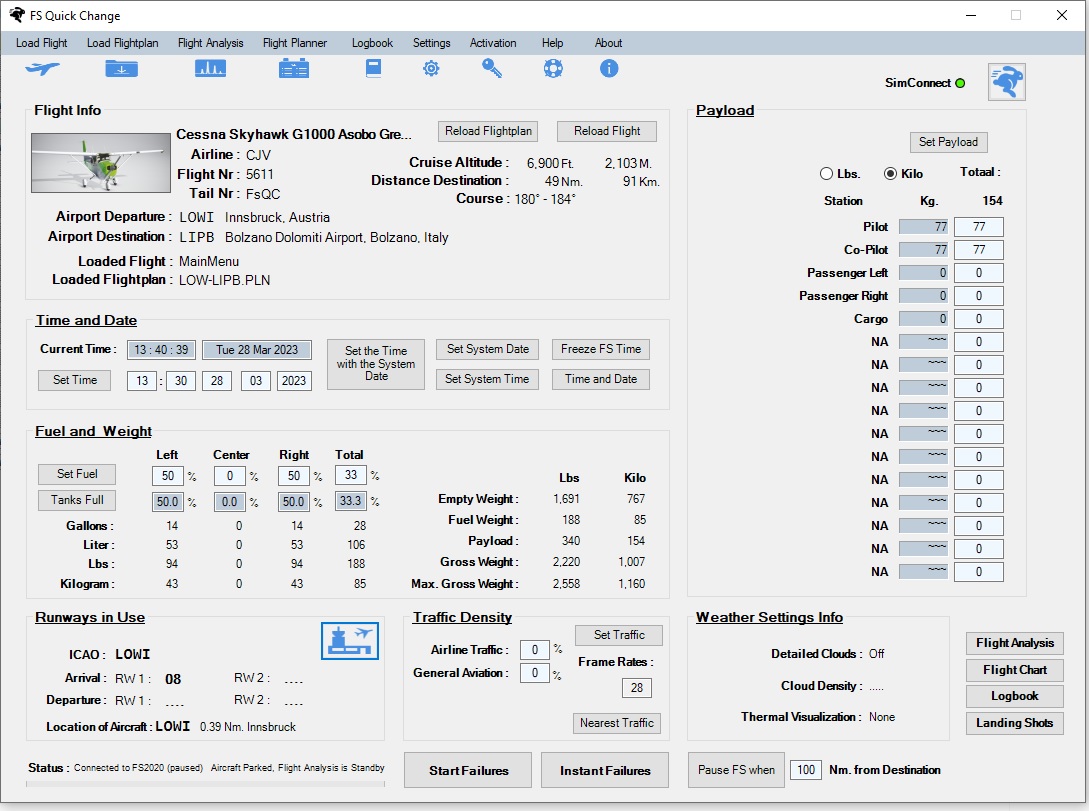
- change time
- change date
- change fuel
- change payload
- payload in kilo or lbs
- change traffic density
- runway detecting system
- airport information
- flghtplan information with calculated distance in Nm and Km.
- aircraft information
- which flight and flightplan is loaded
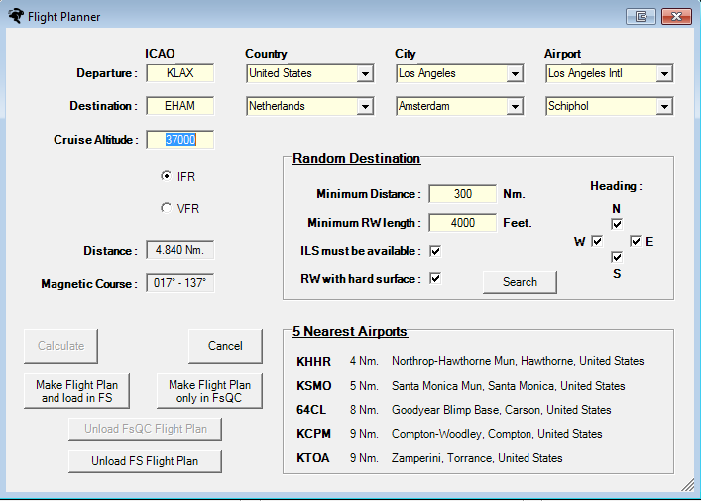
- a small flight planner
- load a flight
- load a flightplan
- reload a flight
- reload a flightplan
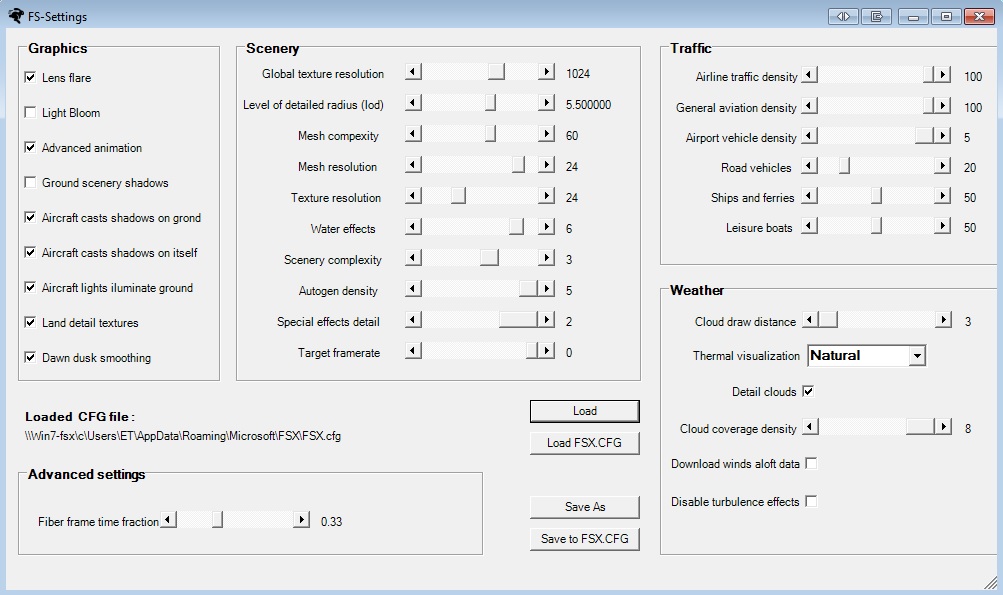
- quickly look in one window all your FSX settings: Graphics, Aircraft, Scenery, Weather and Traffic while you flying and change them.
- freeze FS time
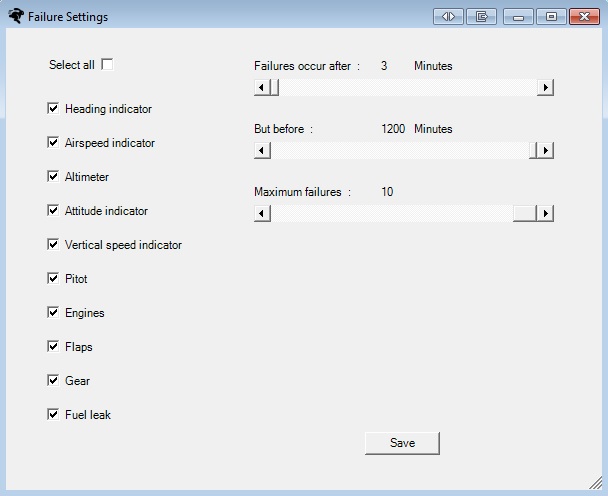
- failure system

When Activated
When activated you have additional:
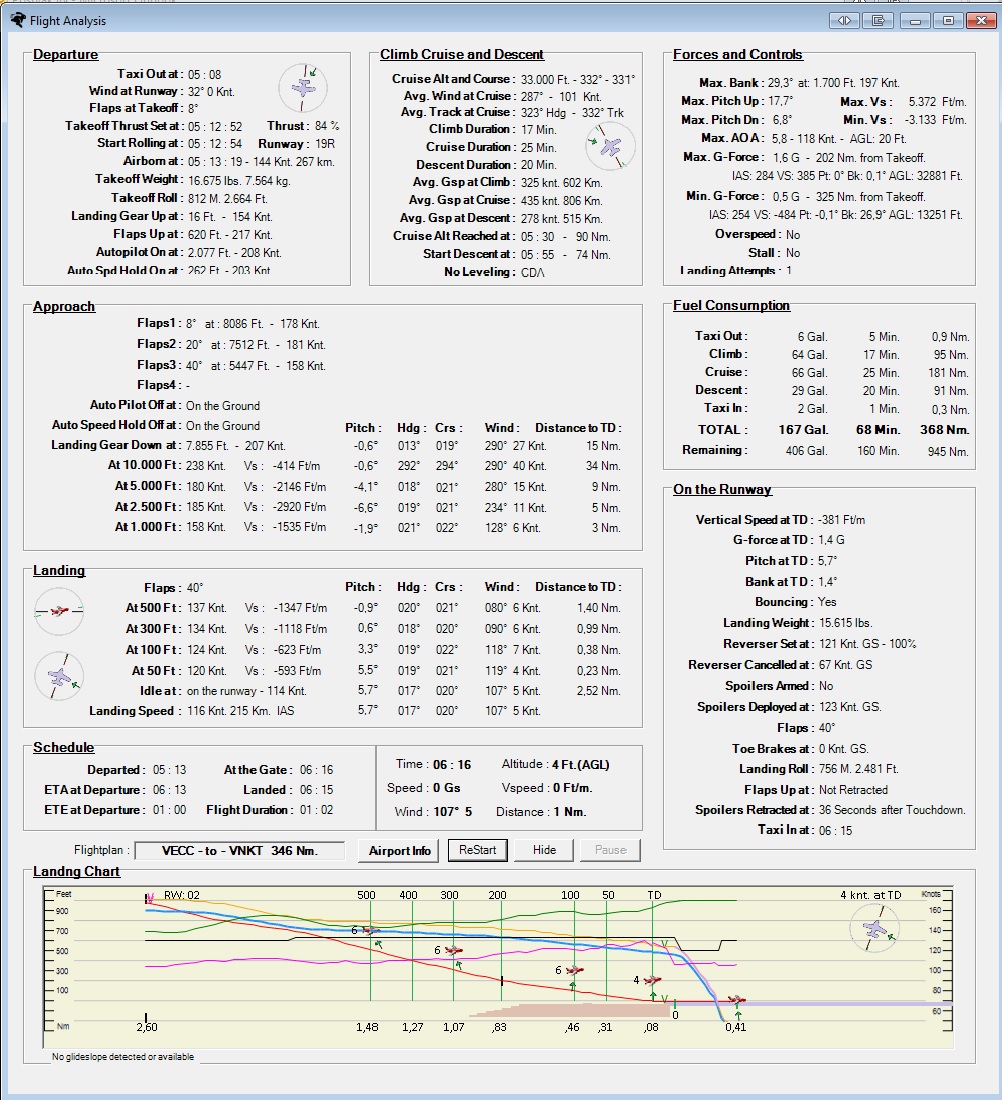
- flight analyzer
- landing analysis
- flight chart
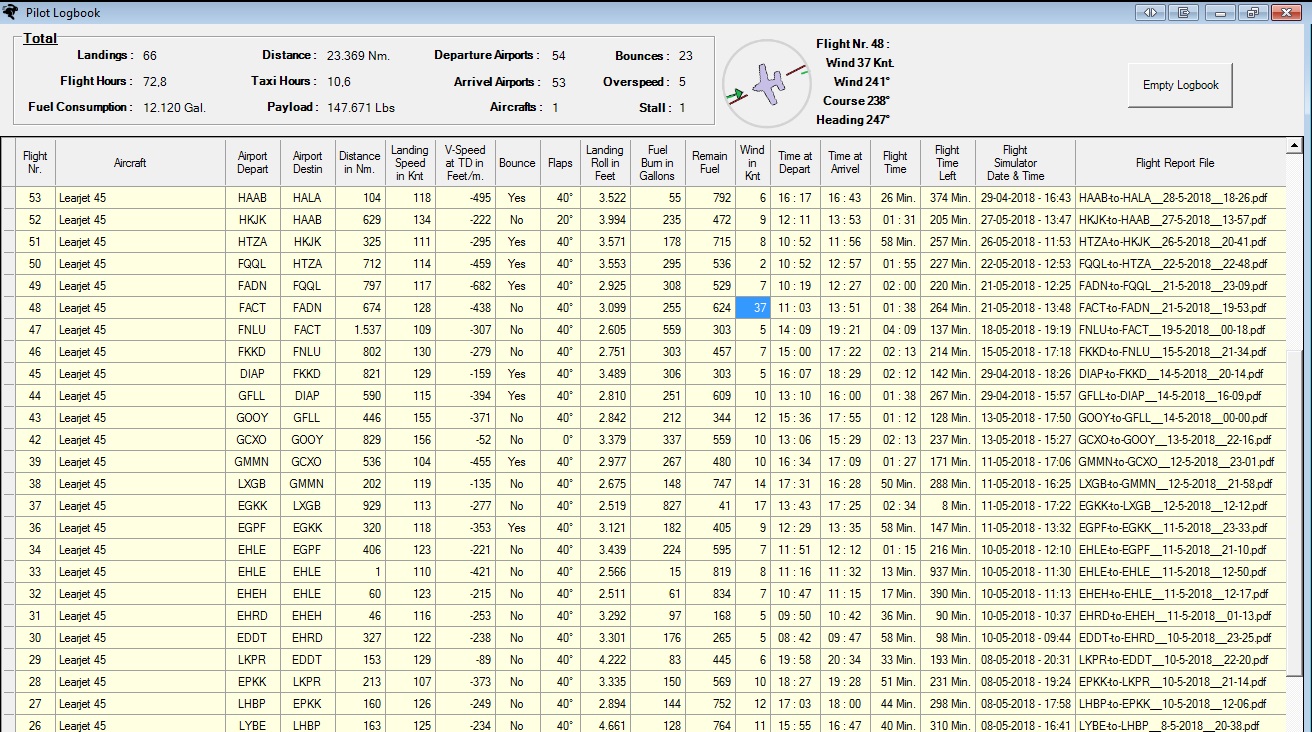
- pilot logbook
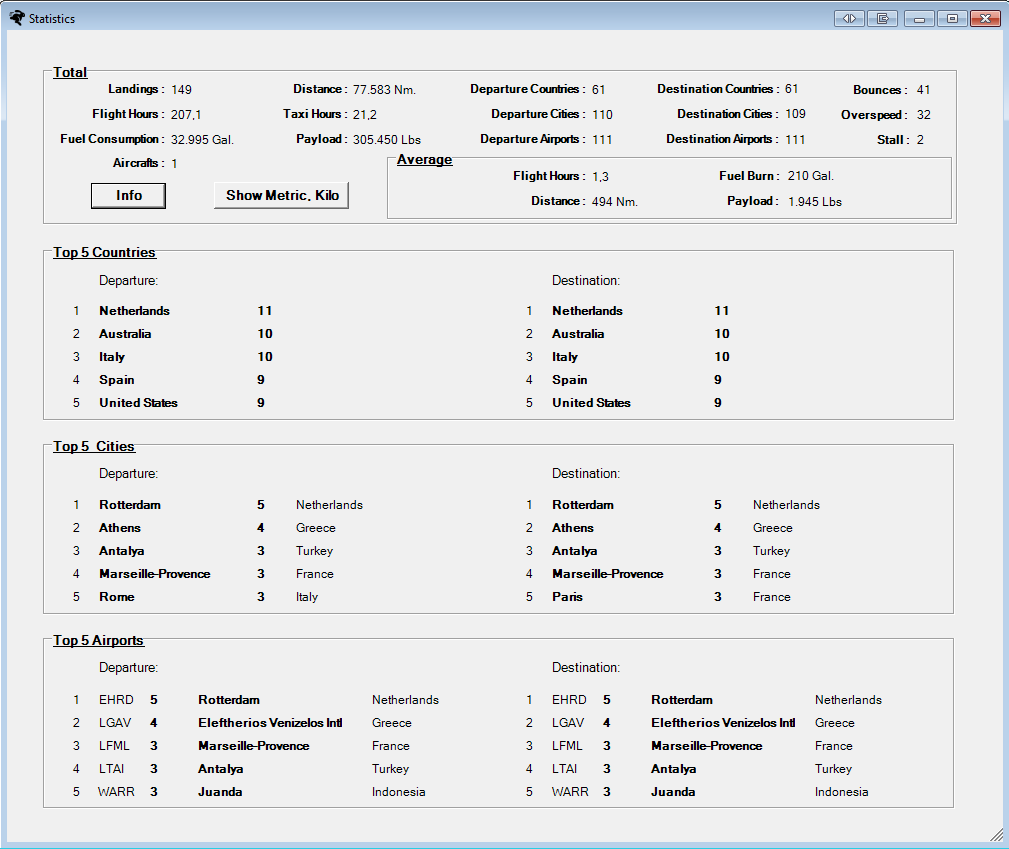
- flight statistics
Try Now Before you Buy
You can try for one month free:
This addon utility for MSFS, P3D, FSX and FS2004 requires a computer with Windows 7 or higher, Microsoft .NET Framework 4.6 or higher and internet access, FSUIPC and Flight simulator MSFS, P3D, FSX or FS2004 (FS9) installed. You also need the MakeRwys. You can download FSUIPC and the MakeRwys for free here.
See also the user guide and info.